-1254x1254.png "MAGICART DIGITAL")
A New Way to Paint by Numbers
No shipping. No waiting. Start right away.
Choose your favorite design, download the digital files after purchase and start creating in the way that suits you best.
What does “digital product” mean?
This is not a physical kit. After purchase, you receive ready-to-download digital files that you can use immediately. Print the design and color it on paper, or open it on a tablet and color digitally.
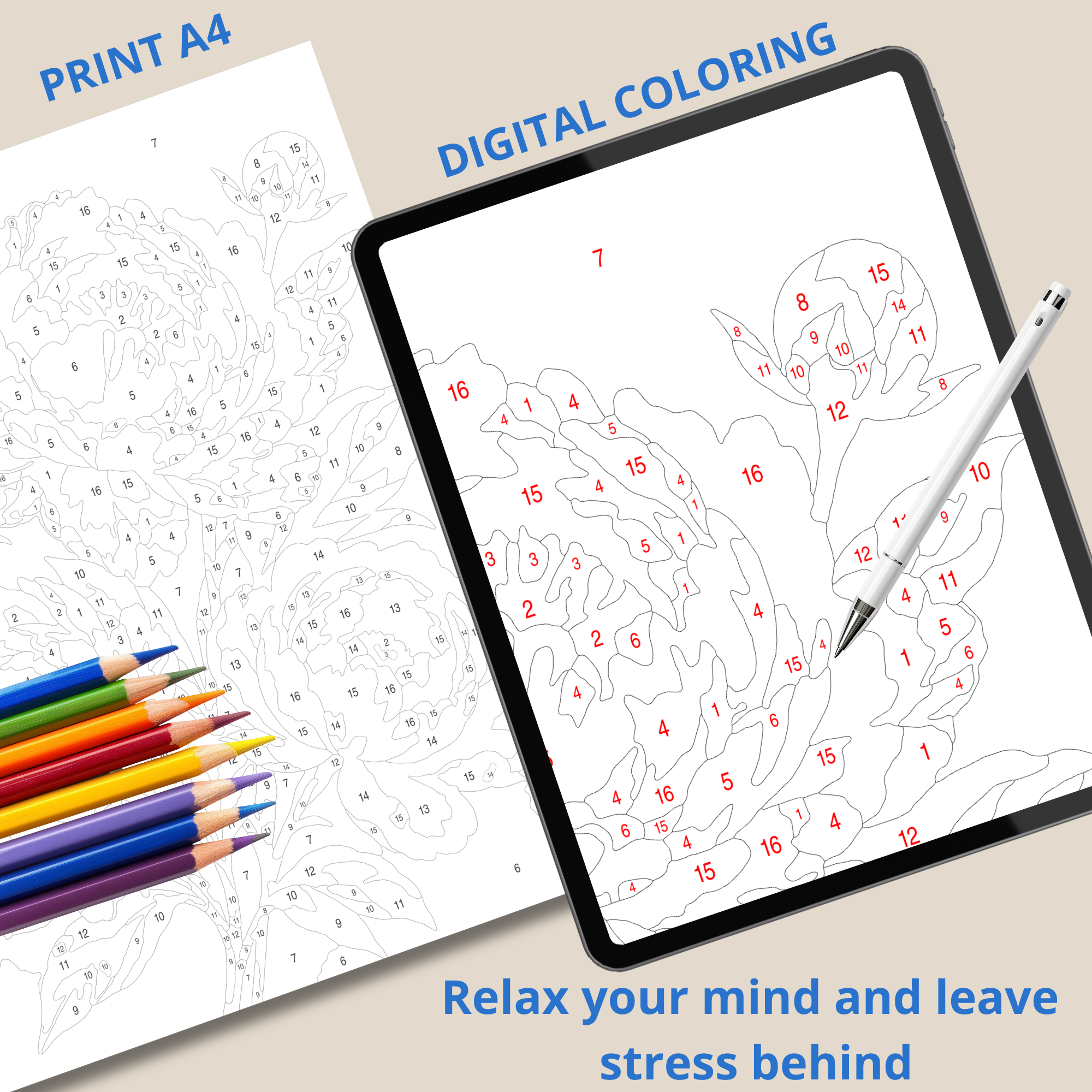
One design. Two ways to create.
How to Use Your Digital Paint by Numbers Design
You don't need any previous experience with digital products. Follow these simple steps and choose the method that works best for you.
Download Your Design
After purchase, you receive your digital files. Download them to your computer, phone or tablet and you're ready to begin.
No shipping. No waiting.
Everything you need is provided in digital format. Once you've downloaded your files, simply choose whether you want to print your design or use it on a tablet.
Choose How You Want to Color
One digital design. Two different ways to create.
Print and Color
If you prefer coloring on real paper, simply print the design at home or at a local print shop and start creating.
You can use:
- colored pencils
- markers
- acrylic markers
- felt-tip pens
For a better result, use thicker paper or cardstock. It provides a more stable surface and works especially well with markers and other coloring materials.
Color on a Tablet
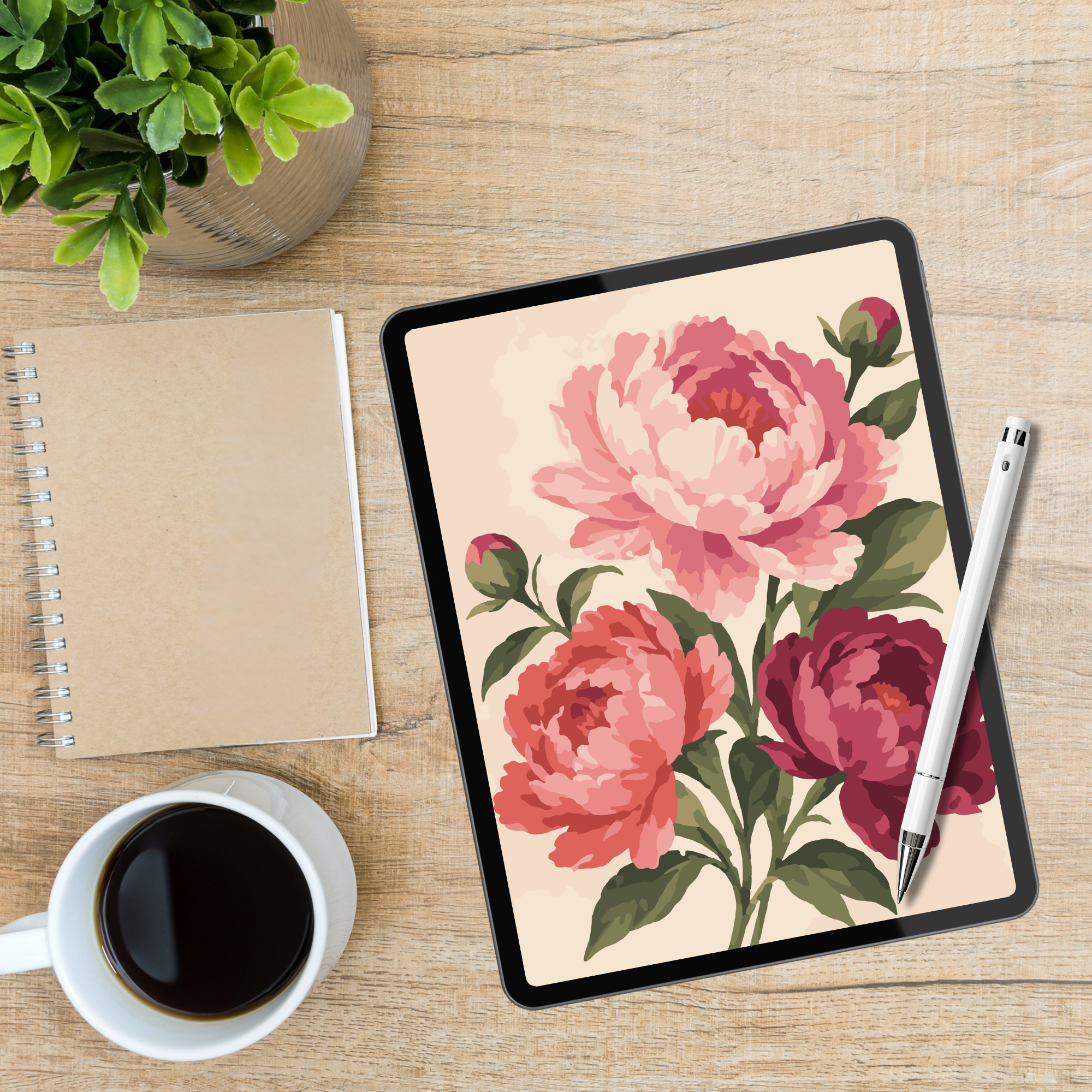
Open the design in a compatible digital drawing or coloring app and color directly on your screen.
You will need:
- an iPad or Android tablet
- a compatible drawing or coloring app
- a stylus for easier coloring
Digital designs can be colored on an iPad or Android tablet using a compatible drawing or coloring app. For the most comfortable experience, we recommend using a tablet with a stylus.
Start Creating
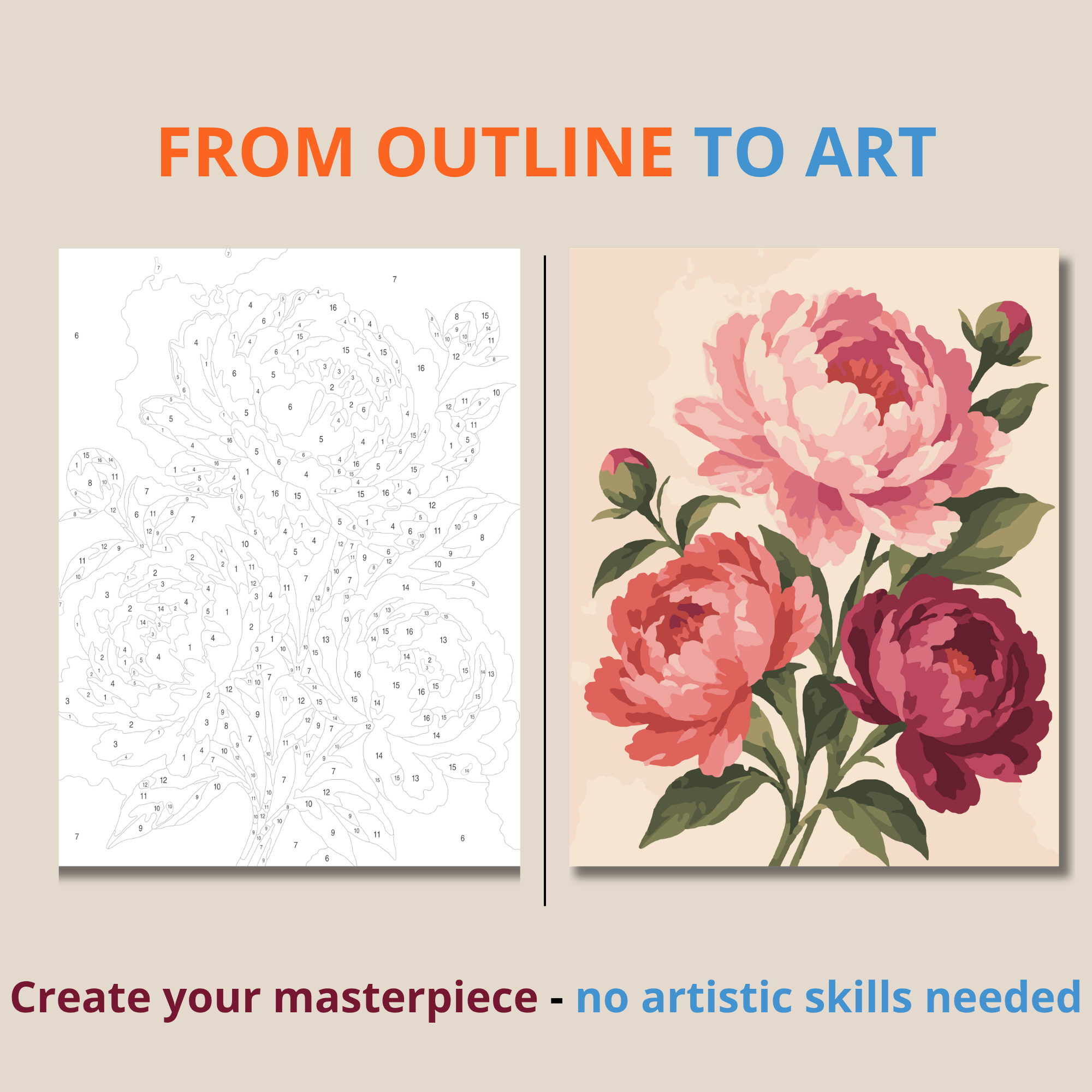
Follow the numbers and watch your artwork gradually come to life.
Choose
Pick the design you want to create.
Download
Get your digital paint by numbers design.
Choose a Method
Print it or open it on a tablet.
Follow the Numbers
Each number corresponds to a specific color.
Enjoy
Relax and watch your artwork come to life.
Print Your Design
Print the design at home or take it to a local print shop, then color it using the materials you prefer.
✓ Download your design
✓ Choose the right print size
✓ Print on paper or thicker cardstock
✓ Prepare your colors
✓ Follow the numbers and start coloring
Color Digitally
Open the design in a compatible drawing or coloring app and start coloring directly on your tablet.
✓ Download your design
✓ Open it in a compatible app
✓ Prepare your colors
✓ Zoom in on smaller areas
✓ Follow the numbers and start coloring
You can color on an iPad or Android tablet using a compatible digital drawing or coloring app. A stylus makes coloring more precise and comfortable, especially when working with smaller areas.
Why Choose a Digital Design?
More freedom, less waiting, and the flexibility to create in the way that works best for you.
Download your files and start right away.
Color on paper with your favorite materials.
Create anywhere with just a tablet and stylus.
One design. Two ways to create.
Choose How You Want to Begin
Explore the detailed guide for your preferred method and start your first digital paint by numbers artwork.
MagicArt Digital offers digital products for instant download. No physical kit, canvas, paints or brushes will be shipped.